Three months into running my reseller operation, I had a client ring me on a Sunday evening absolutely furious. He’d bought a Firestick from Argos that afternoon, followed my setup instructions to the letter, and couldn’t get a single stream working. Not one. I spent forty-five minutes on the phone walking him through it before I realised the problem — Amazon had pushed a Fire OS update that same weekend which had quietly changed where the sideloading permissions lived. My setup guide was three weeks old. He wanted a refund. I gave him one, rewrote the guide that night, and never made that mistake again.
That’s the reality of supporting Firestick with IPTV as a UK reseller in 2026. It’s not just about handing someone a line and wishing them luck. The device is the most common entry point for your clients, which means its quirks, its updates, and its limitations become your problem whether you like it or not.
Table of Contents
- Why the Firestick Dominates the UK IPTV Market
- Sideloading in 2026 — What’s Changed and What Hasn’t
- The Best IPTV Apps for Firestick (From a Reseller’s Perspective)
- Buffering on Firestick: The Real Causes and Real Fixes
- How Firestick Affects Your Panel Setup
- The Maths of Supporting Firestick Clients at Scale
- What to Tell Clients Before They Even Set Up
- Mistakes Resellers Make With Firestick Support
- IPTV Reseller Success Checklist
Why the Firestick Dominates the UK IPTV Market
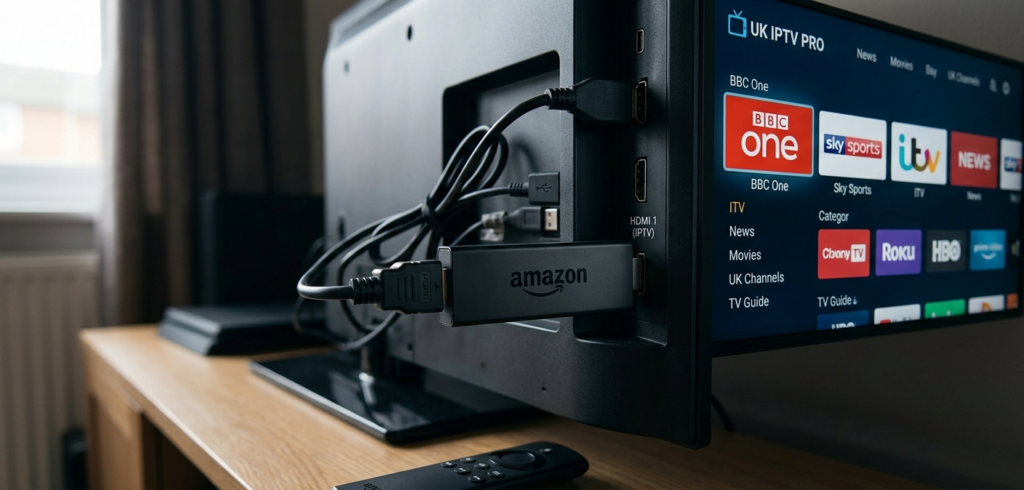
Walk into virtually any living room in the UK and you’ll find one of two things: a smart TV with a built-in app store, or a Firestick plugged into an older set. Amazon have done an extraordinary job of making the Firestick the default streaming device for a generation of British households who don’t want to think too hard about technology.
For IPTV resellers, this is both a gift and a constraint. It’s a gift because your clients already own the hardware. You’re not asking anyone to buy a MAG box or configure STBEmu on a device they’ve never heard of. The Firestick is familiar, it’s cheap, and it’s everywhere.
The constraint is that Amazon controls the ecosystem. Fire OS updates happen automatically unless clients manually disable them, app availability changes without warning, and sideloading — the process of installing apps that aren’t in the Amazon Appstore — sits in a slightly awkward middle ground that Amazon has made progressively more inconvenient over the years.
In my experience, roughly 65–70% of UK IPTV subscribers are using a Firestick as their primary device. That means if you don’t understand this device inside and out, you’re going to be spending an enormous amount of time doing reactive technical support instead of growing your operation.
Pro Tip: Create a dedicated Firestick setup guide with screenshots and share it with every new client before they ask a single question. A good onboarding document cuts your support messages in half and positions you as a professional operation rather than a bloke with a panel link.
Sideloading in 2026 — What’s Changed and What Hasn’t
Sideloading on Firestick — installing APK files from outside the Amazon Appstore — remains the primary way clients install IPTV applications. The process itself hasn’t fundamentally changed, but Amazon has made it marginally more friction-filled with each Fire OS iteration.
As of 2026, the general flow is: enable Apps from Unknown Sources in the device settings, use a downloader application (Downloader remains the most reliable option in the Amazon Appstore), enter the direct APK link for your chosen IPTV app, install, and configure.
The issue resellers run into is that the location of the Unknown Sources toggle has moved between Fire OS versions, and Amazon now sometimes displays additional warning screens during installation that confuse less technical clients. This isn’t a technical barrier — it’s a friction barrier. Your clients aren’t incapable; they’re just easily deterred by anything that looks like a warning or an error.
The solution is simple: your setup guide needs to include screenshots of every warning screen with explicit instructions saying “click Install anyway” or “click Settings” depending on what appears. Assume your client has never sideloaded anything before, because most of them haven’t.
Pro Tip: Record a two-minute screen capture video walking through the Firestick setup process on your own device and share it via a private YouTube link or WhatsApp. Video support reduces setup calls dramatically and clients appreciate the effort.
The Best IPTV Apps for Firestick (From a Reseller’s Perspective)
Not all IPTV applications perform equally on Firestick hardware, and your recommendation here matters. The Firestick — particularly older 4K and HD models — has limited RAM, which means memory-heavy applications can cause crashes, slow channel switching, and general sluggishness that clients will blame on their IPTV subscription rather than the app.
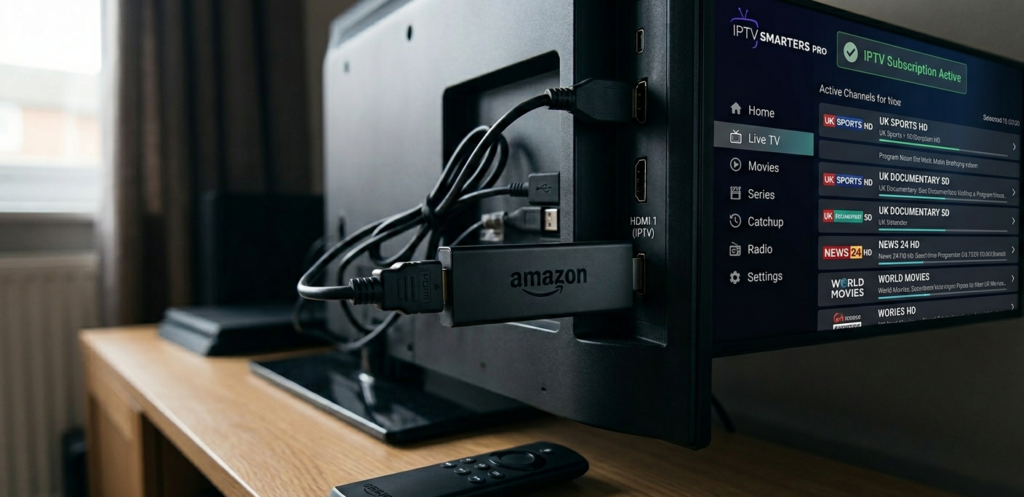
IPTV Smarters Pro remains one of the most reliable options for Firestick in 2026. It’s lightweight, it handles Xtream Codes login cleanly, and it’s stable on older hardware. The interface isn’t beautiful but it works, and for IPTV resellers providing Xtream Codes credentials, the login process is straightforward enough that most clients can manage it independently.
TiviMate is the premium option and genuinely excellent for clients who care about the interface. The catch is that the better features sit behind a one-time payment, which creates a minor support conversation for every client you point toward it. Worth it for technically confident subscribers, potentially confusing for others.
GSE Smart IPTV is a solid middle ground — M3U compatible, reasonably stable on Firestick, and free to use for basic functionality.
My general recommendation: default new clients to IPTV Smarters Pro, offer TiviMate to anyone who asks for something better once they’re set up and happy.
Buffering on Firestick: The Real Causes and Real Fixes
Buffering complaints are the number one support issue for any reseller with Firestick clients, and the frustrating truth is that most of the time it’s not your panel causing the problem.
Firestick buffering in 2026 typically comes from one of four sources: weak Wi-Fi signal, insufficient internet speed at the client’s end, a background app consuming RAM, or a genuine stream quality issue on the panel side.
Before you start investigating your own infrastructure, ask the client three questions: Are they on Wi-Fi or ethernet? What’s their broadband speed? Have they recently installed any new apps?
For IPTV streaming, a stable connection of 25Mbps is sufficient for HD streams. 4K content wants 50Mbps or better. If the client is on a congested 2.4GHz Wi-Fi network forty feet from their router, that’s not your panel — that’s physics.
The Firestick-specific fixes worth knowing: clearing the cache on the IPTV application (Settings > Applications > Manage Installed Applications), force-stopping background apps, and — for persistent issues — a full factory reset of the device followed by a clean reinstall.
Pro Tip: Build a buffering troubleshooting checklist into your client onboarding. Something as simple as “Step 1: Run a speed test on your Firestick using the Fast.com app” immediately gives clients something useful to do and filters out whether the issue is on their end or yours.
How Firestick Affects Your Panel Setup
From a panel management perspective, Firestick clients typically connect via Xtream Codes credentials rather than M3U links, because the better Firestick apps handle Xtream authentication more elegantly. This is worth knowing when you’re configuring lines, because you want to ensure your panel supports Xtream Codes API output cleanly.
Connection limits matter more with Firestick users than you might expect. Families will share a single subscription across a Firestick in the living room, a tablet, and a phone simultaneously. If your line is configured for one connection and three devices are attempting to authenticate, all three will have a degraded experience or be blocked entirely. Set client expectations clearly on connection limits, and consider whether your credit pricing model accounts for multi-connection lines.
The Maths of Supporting Firestick Clients at Scale
Supporting Firestick clients has a hidden cost that most new resellers don’t account for: time. Every setup call, every buffering complaint, every “it’s stopped working” message has a labour cost attached to it even if you’re not paying yourself an hourly rate yet.
Here’s a simple way to think about it:
True Margin=Revenue Per Line−Credit Cost−(Support Hours×Hourly Value)\text{True Margin} = \text{Revenue Per Line} – \text{Credit Cost} – (\text{Support Hours} \times \text{Hourly Value})
If you value your time at £15/hour and a difficult Firestick client takes three hours of support across their subscription period, that’s £45 of hidden cost against what might be an £8/month line. The numbers only work if you’re minimising support through good onboarding rather than absorbing it as a cost of doing business.
Resellers who systematically document solutions and build self-service resources scale efficiently. Resellers who handle every query individually hit a ceiling fast.
What to Tell Clients Before They Even Set Up
The onboarding conversation is where you set the terms of the relationship. Done well, it prevents the majority of support issues. Done poorly, it creates a client who expects you to be available whenever their stream hiccups.
Tell clients upfront: their internet connection quality directly affects stream quality. A Firestick on weak Wi-Fi will buffer regardless of how good your panel is. Automatic Fire OS updates can occasionally affect app behaviour and may require a reinstall. Multi-device connections require the appropriate line type.
None of this is complicated, but saying it before problems arise positions you as knowledgeable and sets realistic expectations. It also gives you something to reference if a client complains about an issue that’s clearly on their end.
Pro Tip: Send every new Firestick client a short PDF or WhatsApp message covering the three most common issues and their fixes. Label it “Quick Start & Troubleshooting Guide.” It takes twenty minutes to write once and saves hours of support conversations over the life of your operation.
Mistakes Resellers Make With Firestick Support
Assuming the panel is always at fault. It rarely is. Most Firestick buffering and connectivity issues are client-side. Investigate before you start raising tickets with your provider.
Not keeping setup guides updated. Fire OS updates happen without announcement. Your guide from six months ago may now include steps that don’t match what clients are seeing on their screens.
Recommending the wrong app for the client’s technical level. Pointing a non-technical 60-year-old client toward TiviMate and its payment flow creates unnecessary friction. Match the app recommendation to the person, not just the performance specs.
Supporting Firestick clients without understanding the device yourself. If you haven’t personally set up IPTV on a Firestick from scratch recently, do it this weekend. You’ll immediately understand why clients get confused at certain steps.
For UK resellers building a serious operation, britishseller.co.uk is worth a look — it’s built with the kind of panel infrastructure that actually holds up when your Firestick client base grows and concurrent connections spike during peak viewing periods. The credit system is straightforward and the setup is designed for resellers who want to operate professionally rather than scramble through every busy weekend.
✅ IPTV Reseller Success Checklist
- Build and maintain a Firestick setup guide with current screenshots — review it every time Amazon pushes a Fire OS update.
- Create a buffering troubleshooting document that walks clients through self-diagnosis before they contact you, starting with a speed test.
- Match app recommendations to client technical level — not every subscriber wants or needs the premium option.
- Account for support time in your margin calculations using the True Margin formula above, and build systems that reduce that time cost.
- Test your own setup on a Firestick regularly — at least once a month, run through the full client experience so you catch problems before your clients do.