An IPTV Reseller Line Audit is a scheduled review of every line in your panel to confirm which ones are genuinely active, which have expired quietly, and which are running on settings that no longer match what the customer actually paid for. It is not a report the panel generates for you. It is something you sit down and do, usually with an export open on one screen and your own sales record open on the other.
The part most IPTV resellers get wrong is auditing only the active list. Expired and disabled lines are where the awkward discoveries live: a customer still using credentials you thought were switched off, a twelve month line created with a one month expiry after a manual entry slip, a trial that was never cleaned up and has been quietly consuming a connection slot for weeks. Before you start, decide what you are actually looking for, because a general scroll through the user list will find almost nothing.
Start with an export, not the dashboard summary
The counter at the top of most reseller dashboards tells you how many users exist and how many are online. Neither number tells you whether those lines are correct. Pull a full export instead, usually available as CSV from the users or lines section of the panel, and open it in a spreadsheet.
What you want in front of you is one row per line with username, creation date, expiry date, connection limit, assigned package or bouquet group, and last activity if the panel records it. If your panel does not export, copy the list page by page. It is tedious once, and then you have a baseline you can compare against next time, which is the point of doing this properly rather than casually.
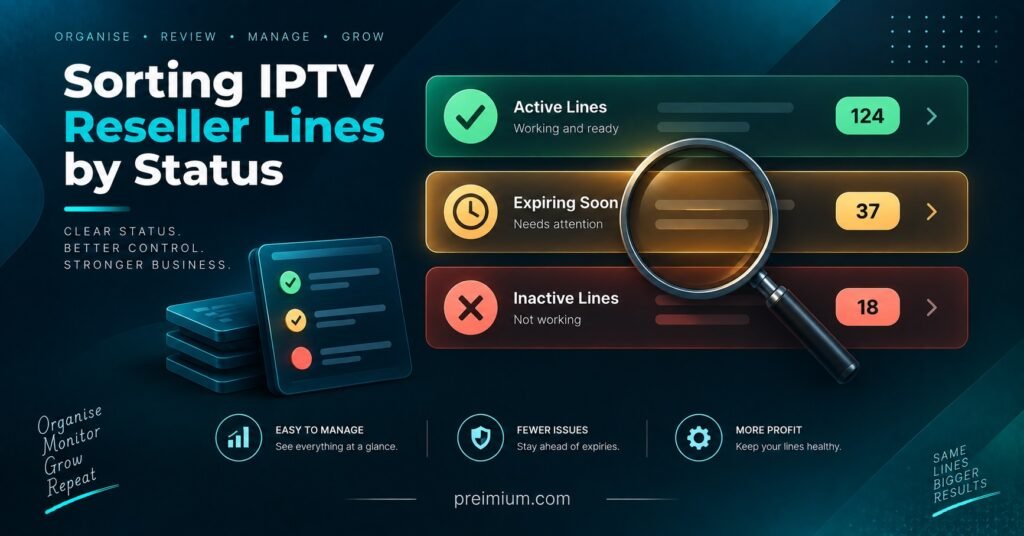
Sort by expiry date first. That single action separates your list into three obvious groups and takes about ten seconds.
The line states worth separating
Most panels show a simple active or disabled flag, which flattens several very different situations into one label. Splitting them out changes what you do next.
| Line state | What it usually means | Next action |
|---|---|---|
| Active, recent activity | Paying customer, settings working | Check connection limit matches the plan sold |
| Active, no activity for weeks | Customer stopped using it or moved devices | Contact before renewal, expect churn |
| Expired but still enabled | Panel did not disable on expiry, or it was extended manually | Confirm against your sales record, then disable |
| Disabled with time remaining | Suspended, or disabled by mistake | Restore or close properly, do not leave in limbo |
| Trial line past its window | Test account never cleaned up | Remove, it may still hold a connection slot |
The row that catches people out is the fourth one. A line disabled with paid time still on it is a customer who may return, complain, or request a refund, and if you cannot say why it was disabled, the conversation is difficult.
Pro tip: Record the reason for every manual disable in the panel notes field at the moment you do it. Three months later, nobody remembers.
How to run an IPTV Reseller Line Audit without creating new problems
The risk in any audit is breaking a working line while trying to tidy the list. Work in a fixed order and change nothing until the whole list has been read.
First pass: read only. Go down the export and flag anything that looks wrong without touching the panel. Mismatched expiry dates, connection limits above what you sell, usernames that do not appear in your own sales record, duplicates created when an activation appeared to fail and was repeated.
Second pass: verify against your records. Every flagged line needs to be matched to a payment, a renewal, or a deliberate decision. Lines with no matching record are the ones worth investigating properly, especially if you have sub-resellers or anyone else with panel access.
Third pass: act, starting with the lowest risk changes. Remove dead trials. Correct connection limits. Disable expired lines that should have closed. Leave anything ambiguous until you have spoken to the customer, because disabling a live paying line is a far worse outcome than leaving one extra line in place for another day.
Fourth pass: reconcile credits. Compare the number of active paid lines against what your credit history says you spent over the same period. Gaps here usually point to manual extensions, test lines created with full credits, or renewals processed twice. If the credit model itself is unclear to you, the mechanics are worth reading through in a proper guide to setting up and running a IPTV reseller panel before assuming the panel has made an error.
Misconfigured lines are where margin quietly disappears
Expired lines are visible. Misconfigured ones are not, and they cost more over a year.
The most common is the connection limit. A line sold as single connection but created with three does not fail, does not complain, and does not appear in any report. The customer shares it, your server load rises, and you never see a reason for it in the numbers. Auditing this column alone often justifies the exercise.
Package and bouquet assignment is the second. Lines created by copying an earlier account inherit whatever that account had, which may be a wider package than the customer bought or a narrower one that will generate a support ticket at some point.
Expiry drift is the third, and it happens on renewals more than on new activations. A twelve month renewal applied to a line that already had two weeks remaining should show a date fourteen days beyond the anniversary. If your panel adds from today rather than from the existing expiry, you are giving away two weeks on every renewal, and across a full customer base that adds up to real credits.
Then there are duplicates. When an activation times out and the reseller repeats it, some panels create a second line and deduct a second credit. The customer only ever uses one. The other sits there until you find it.
Pro tip: After any panel migration or provider change, audit the first fifty migrated lines individually rather than trusting the bulk import summary.
Checking what sits beneath you
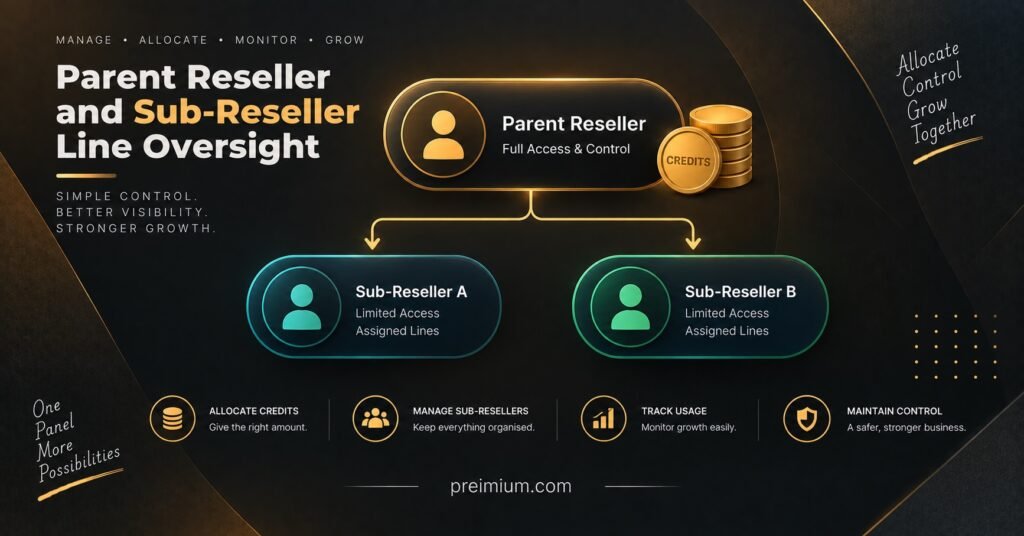
If you run sub-resellers, your line list is not really yours alone. Lines created under a sub-reseller account still trace back to your credit pool and, in most structures, to your relationship with the upstream provider.
What to look at here is different from your own lines. Check whether permission levels actually restrict what you intended: whether a sub-reseller can extend expiry dates without drawing credits, whether they can raise connection limits, and whether they can see pricing that should stay private. Check creation patterns too, because a cluster of long duration lines created in a short window, with no matching credit purchase, is worth a conversation rather than an assumption.
The practical difficulty is that you are auditing someone else’s customers. You can verify configuration and credit usage. You generally cannot verify whether the end customer paid, which is why permission settings matter more than after the fact checks. Panels differ considerably in how granular this control is, and it is one of the things worth testing before committing volume, as covered in this look at what makes a IPTV reseller panel dependable in daily use.
How often is often enough
Monthly is realistic for most resellers, quarterly is the minimum if your customer base is small and stable. What matters more is timing it against events rather than dates.
Audit before a bulk credit purchase, so you are buying against real demand rather than a list padded with dead lines. Audit after any period of heavy sales, because that is when manual entry errors cluster. Audit when renewals bunch together, which happens naturally if you onboarded a group of customers in the same week and they all come due at once. And audit after any change of provider or panel, without exception.
If your customer numbers are still small, the whole exercise takes under an hour. Once you are past a few hundred lines it becomes a scheduled task, which is around the point most resellers start keeping a simple spreadsheet alongside the panel rather than relying on it entirely. The broader operational picture, including how this fits with pricing and customer management, is covered in this overview of running a UK reseller business in practice.
Frequently Asked Questions
Does auditing lines cost credits?
Reviewing and disabling lines does not consume credits in standard panel setups. Creating replacement lines does, which is why correcting an existing line is usually preferable to deleting and recreating it.
Can I see which lines are actually being watched?
Most panels record last connection time and current online status rather than viewing detail. That is enough to spot dormant lines, but treat it as a signal to contact the customer rather than proof they have left.
What should I do about an expired line that is still working?
Confirm first whether it was manually extended, by you or by anyone else with access. If not, disable it and check whether the panel’s automatic expiry handling is functioning, because one failure of that kind usually means others.
Should deleted lines be removed entirely or just disabled?
Disabling keeps the record, which is useful when a former customer returns or disputes a charge. Deleting removes your evidence. Most resellers disable, then clear out genuinely dead entries once a year.
My credit balance does not match my active line count. Where do I start?
Start with trial accounts and manual extensions, then check for duplicate activations on the same date. Those three account for most discrepancies before anything unusual needs considering.
Closing the loop
An IPTV Reseller Panel Line Audit is maintenance, not troubleshooting. Done regularly it is dull, which is the sign it is working. The value is in the small corrections: a connection limit put back to what was sold, a trial cleared before it becomes a habit, a renewal date recalculated properly so you stop giving away weeks you never charged for.
None of this fixes a panel that reports inaccurately in the first place, and no audit compensates for a provider whose expiry handling cannot be trusted. If your exports keep contradicting what the interface shows, the problem is upstream and worth raising directly rather than auditing around. Otherwise, pick a date, pull the export, and work through it in the order above.
Audit Day Checklist
- Export the full line list with expiry, connection limit and package columns included
- Sort by expiry date and separate expired, expiring within thirty days, and long duration lines
- Flag every line with no matching entry in your own sales record
- Compare each connection limit against the plan the customer actually bought
- Identify trial accounts past their window and remove them
- Look for duplicate usernames or two lines created for the same customer on the same date
- Check that recent renewals added time from the previous expiry, not from the renewal date
- Review sub-reseller permission levels and any unusual creation clusters beneath your account
- Reconcile credits spent in the period against paid lines created
- Note the reason for every change you make, in the panel or your own record