The customer had bought the box himself. Found it on a marketplace listing, paid £35, and arrived in my inbox two days later with a message that was polite on the surface but had a very clear undertone of “this is your fault.”
His IPTV subscription was active. His panel line was green. His broadband was fine. But the box — a no-name Android device running a four-year-old firmware version — couldn’t handle the stream format my provider delivered. Every channel above standard definition stuttered. 4K content was unwatchable. The EPG refused to populate correctly regardless of which app he tried.
I spent an hour and a half troubleshooting something I hadn’t sold, hadn’t recommended, and had no control over. He still left a lukewarm review.
That was the last time I left hardware choice open-ended. If you’re running a UK IPTV reseller operation and you’re not actively guiding customers on which IPTV box to use — or at minimum which to avoid — you’re absorbing support costs and reputation damage from decisions you had no part in making. Here’s everything I now know about getting this right.
Table of Contents
- Why Hardware Choice Is a Reseller’s Problem Too
- The UK IPTV Box Market in 2026
- Amazon Firestick — The UK Market Default
- Android TV Boxes — Power and Pitfalls
- MAG Boxes — The Legacy Problem You’ll Inherit
- Nvidia Shield — The Premium Option Worth Knowing About
- What to Tell Customers Who’ve Already Bought the Wrong Box
- Hardware Specs That Actually Matter for IPTV
- The Financial Case for Taking Hardware Seriously
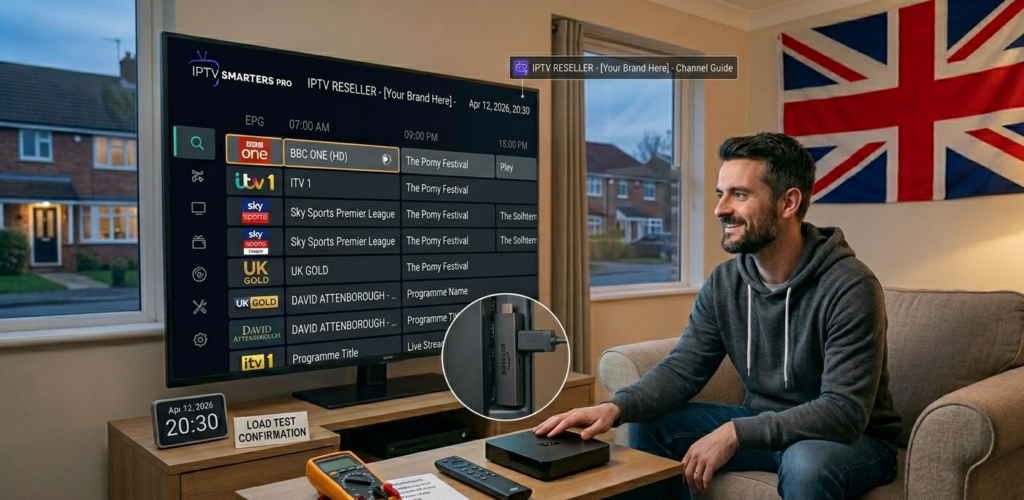
Why Hardware Choice Is a Reseller’s Problem Too
Let me be direct about something the reseller community doesn’t discuss enough: your customer’s viewing experience doesn’t begin with your panel or your provider. It begins with the physical device sitting behind their television. And when that device underperforms, they don’t blame the box — they blame the subscription.
This isn’t irrational on their part. From a customer’s perspective, they’ve paid for an IPTV service. If streams freeze, stutter, or refuse to load properly, the service is failing. The fact that the failure originates in underpowered hardware running outdated firmware is a technical distinction they have neither the context nor the inclination to make.
The result lands in your inbox. And your inbox is not free.
In the UK market specifically, device fragmentation is significant. Customers arrive with everything from current-generation Firesticks to genuinely ancient Android boxes that were underpowered when they were new five years ago. Some are running MAG hardware. Some are trying to use their Smart TV’s native app store with deeply mixed results. Without active guidance, your customer base becomes a hardware lottery that generates unpredictable and largely avoidable support volume.
Pro Tip: Add a single question to your customer onboarding process: “What device are you using to watch?” The answers will quickly reveal which hardware is generating the most support contacts and allow you to produce targeted guidance for your most common device types.
The UK IPTV Box Market in 2026
The UK household streaming device market has consolidated considerably. Amazon’s Firestick range dominates in raw numbers — the devices are affordable, widely available, and deeply embedded in how most British households approach streaming. Android TV boxes occupy a secondary tier, ranging from genuinely capable devices to cheap imports that struggle with anything demanding.
MAG boxes, which were once the standard hardware for IPTV delivery, are increasingly legacy technology. They’re still in circulation — you’ll encounter customers running them regularly — but new customers are almost never arriving with MAG hardware. The ecosystem has moved on, and the support complexity of maintaining compatibility with ageing STB firmware isn’t something most modern reseller operations should be building around.
Smart TVs deserve a specific mention because customers frequently assume their television’s built-in capabilities are sufficient. In practice, manufacturer app stores are restrictive, update cycles are inconsistent, and performance on IPTV applications varies so dramatically by brand, model, and firmware version that providing useful generalised guidance is nearly impossible. Smart TV IPTV support is a support time sink that I actively divert customers away from where possible.
Amazon Firestick — The UK Market Default
The Firestick is the de facto standard for UK IPTV delivery, and for good reason. Amazon’s devices punch above their price point in terms of processing capability, receive regular firmware updates, and are familiar enough to the average British household that initial setup anxiety is minimal.
The current range worth knowing: the Firestick 4K Max is the benchmark recommendation for any customer with a 4K television and a decent broadband connection. The processor handles high-bitrate streams without the stuttering that affects cheaper devices, and the Wi-Fi 6 connectivity reduces the buffering issues that plagued older Firestick generations on busy home networks.
The standard Firestick 4K is a solid step down in price with most of the same capability — adequate for the majority of customers who aren’t specifically prioritising 4K content quality.
The Firestick Lite and the basic Firestick are where I start to hedge my recommendations. They’re capable of delivering standard and HD streams adequately, but they struggle with sustained high-bitrate 4K content and can feel sluggish when running feature-rich apps like TiviMate with large playlists. For customers on a strict budget, they work. For customers who’ll contact you the moment performance feels slightly off, they generate risk.
The sideloading requirement is worth addressing upfront. Neither TiviMate nor IPTV Smarters Pro appears natively in the Amazon App Store, so customers need to sideload via the Downloader app. This is genuinely straightforward — five minutes with clear instructions — but it’s a step that needs to be in your onboarding documentation. Customers who hit this wall without preparation generate a predictable wave of “I can’t find the app” contacts.
Pro Tip: For Firestick customers, always recommend enabling “Apps from Unknown Sources” in device settings before they attempt app installation. Including this as step one in your Firestick setup guide eliminates the most common installation failure point before it occurs.
Android TV Boxes — Power and Pitfalls
Android boxes occupy an interesting position in the UK market. At the quality end of the spectrum — devices from established manufacturers running current Android TV or Google TV builds — they genuinely outperform Firesticks for IPTV delivery. Faster processors, more RAM, direct Play Store access, and better thermal management for sustained streaming sessions all contribute to a superior experience.
The problem is the quality range is enormous. The Android TV box market is flooded with cheap imports running stripped-down Android builds — sometimes presented as “Android TV” when they’re actually standard Android — with processors that struggle under load, RAM that makes multitasking sluggish, and firmware that hasn’t been updated since the device left the factory.
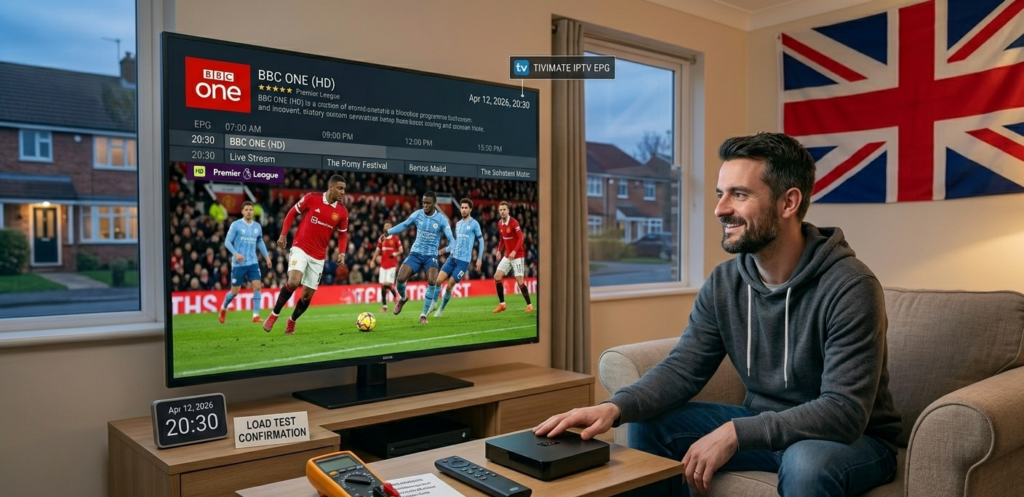
The boxes worth recommending: devices from manufacturers like Ugoos, Mecool, and Formuler have established reputations in the UK IPTV reseller community for genuine reliability. They’re not the cheapest options on the market, but they’re the ones that don’t generate the hardware-related support contacts that cheap alternatives inevitably do.
The boxes to actively warn customers away from: anything with processor and RAM specifications that suggest it was struggling with HD content when it was manufactured, anything running an Android version below 9, and anything from a brand you can’t find meaningful community discussion about. Price is a reasonable proxy — if it’s under £25, the hardware compromises almost certainly affect stream delivery.
Support Cost Per Device Type=Monthly Support Contacts (device)×Avg. Resolution Time (hrs)×Hourly Rate (£)\text{Support Cost Per Device Type} = \text{Monthly Support Contacts (device)} \times \text{Avg. Resolution Time (hrs)} \times \text{Hourly Rate (£)}
Running this calculation across your customer base will almost certainly reveal that your cheapest-hardware customers generate a disproportionate share of your support overhead. The economics of recommending slightly better hardware — even when customers are paying for it themselves — become very clear very quickly.
MAG Boxes — The Legacy Problem You’ll Inherit
MAG boxes were genuinely excellent hardware for their time. The portal-based STB interface was intuitive, the hardware was reliable, and the ecosystem was well-supported. That time has largely passed.
The core issue in 2026 is firmware. Infomir — the MAG manufacturer — has continued updating their higher-end models, but a significant proportion of MAG boxes in UK homes are mid-range models from several years ago running firmware that is either no longer updated or receiving only minimal maintenance. These devices have limited codec support, struggle with higher bitrate streams, and increasingly fall outside the support scope of modern IPTV providers.
STBEmu on an Android device provides a reasonable migration path for customers who are emotionally attached to the MAG interface. It emulates the STB environment convincingly enough that most customers adjust without friction, whilst running on hardware that actually handles modern stream formats properly.
When I encounter customers on MAG hardware, my approach is honest: I explain that the hardware is ageing, that I can support it for now but can’t guarantee compatibility long-term, and that an Android box running STBEmu will give them a better experience at modest cost. Most customers appreciate the transparency. Some make the switch immediately. A few stay on MAG until a hardware failure forces the decision — at which point they already know what I’m going to recommend.
Pro Tip: Keep a shortlist of two or three recommended Android boxes at different price points — budget, mid-range, and quality tier — so when customers ask what to buy, you have a ready answer. Sending a customer to search for an Android TV box without guidance is how they end up buying something that generates a support ticket three weeks later.
Nvidia Shield — The Premium Option Worth Knowing About
The Nvidia Shield TV Pro sits at the top of the Android streaming device market in terms of raw capability, and it’s worth knowing about even if most of your customers won’t be purchasing one.
The Shield runs Android TV on genuinely powerful hardware — a Tegra X1+ processor with 3GB RAM — that handles any stream format, any bitrate, and any app without breaking a sweat. For customers who are serious about their viewing setup and willing to spend accordingly, it’s the definitive recommendation.
The practical use case for resellers: if you have a customer who is consistently experiencing performance issues despite good broadband and a supposedly capable Android box, the Shield is the nuclear option that eliminates hardware as a variable entirely. I’ve recommended it a handful of times to customers with complex setups — multiple simultaneous streams, 4K content, large playlist sizes — and it has never been the source of a subsequent support contact.
What to Tell Customers Who’ve Already Bought the Wrong Box
This situation is more common than it should be. Customer arrives with a subscription, arrives with a box they’ve already purchased, and the combination isn’t delivering what they expected.
The honest approach is the right one. Explain what the hardware limitations are, what the realistic performance ceiling is, and what upgrading would cost versus what it would deliver. Most customers respect directness significantly more than being managed around a problem.
Practically, there’s usually something you can do in the short term. Reducing stream quality via your panel settings can make marginal hardware perform adequately for HD content. Recommending a lighter-weight app — IPTV Smarters Pro tends to be less demanding than TiviMate on lower-spec hardware — can improve responsiveness. Ensuring the device is connected via ethernet rather than Wi-Fi, where physically practical, removes network variability from the equation.
But if the hardware is genuinely inadequate, say so clearly. A customer who understands why their experience is limited and has a clear path to improving it is far more manageable than one who’s been vaguely reassured and continues submitting support contacts every fortnight.
Pro Tip: Create a simple hardware assessment checklist — processor generation, RAM, Android version, Wi-Fi standard — that you can run through quickly when a new customer tells you what device they’re using. It takes sixty seconds and immediately tells you whether hardware is likely to be a support risk.
The Financial Case for Taking Hardware Seriously
The economics are straightforward once you run the numbers honestly.
Monthly Hardware-Related Loss=(Hardware-Driven Churn×Avg. LTV)+(Support Hours×Hourly Rate)+Goodwill Refunds\text{Monthly Hardware-Related Loss} = (\text{Hardware-Driven Churn} \times \text{Avg. LTV}) + (\text{Support Hours} \times \text{Hourly Rate}) + \text{Goodwill Refunds}
A reseller operating 200 active lines where 15% of customers are on hardware that regularly generates support contacts — that’s 30 customers producing a disproportionate share of your operational overhead. If even five of those customers churn monthly due to hardware frustration at an average lifetime value of £120, you’re losing £600 monthly to a problem that proactive hardware guidance could largely eliminate.
For resellers building on a stable panel foundation, britishseller.co.uk provides the infrastructure side of the equation — clean Xtream Codes integration, reliable stream delivery, proper panel management tools. Pairing that with deliberate hardware guidance closes the loop between your backend performance and your customers’ actual lived experience.
The resellers I’ve seen build genuinely scalable UK operations all have one thing in common beyond good provider choice: they treat the customer’s full hardware and software stack as part of their product responsibility, not just the subscription line on their panel. That mindset shift — from selling credits to delivering an experience — is what separates the ones still operating at 500 lines two years from now from the ones who burned out at 80.
✅ IPTV Reseller Success Checklist
1. Ask every new customer what device they’re using before or during onboarding. This single question allows you to provide targeted setup guidance and identify hardware risks before they become support problems.
2. Maintain a recommended hardware list at three price points. When customers ask what to buy — and they will — have a ready answer that you’ve vetted and trust.
3. Actively migrate MAG box customers to Android hardware. The support overhead of maintaining legacy STB compatibility is disproportionate to the customer value it preserves.
4. Run your support contact analysis by device type quarterly. The hardware generating your highest support volume will become immediately visible and allow you to address it through better guidance or clearer upgrade recommendations.
5. Never leave Firestick customers to find apps independently. The sideloading process is simple with guidance and a genuine barrier without it — include it explicitly in your Firestick-specific onboarding documentation.